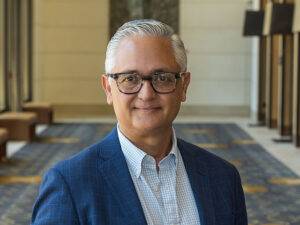
Lucero, Robert J. PhD, MPH, RN, FAAN
Associate Dean for Diversity, Equity, and Inclusion
Professor of Nursing, and Audrienne H. Moseley Endowed Chair in Diversity, Equity and Inclusion
University of California, Los Angeles, School of Nursing
My research program focuses on improving health outcomes of vulnerable populations using innovative health systems and informatics approaches. Two prominent themes of my work are: enhancing the quality of care for hospitalized older adults and improving self-management of chronic health conditions among Hispanic, African-American, and LGBTQ+ populations. My research is distinguished by interdisciplinary team science, which bridges nursing, medicine, psychology, computer science, and engineering, health systems, communities, and other academic institutions.
My research is leading the way to inform infrastructure development for data-driven knowledge generation that serves as a model for organizations across the United States (US) to improve the quality of care for hospitalized older adults. I am leveraging electronic patient, clinical, and administrative data and data science methods to identify valid, modifiable factors that predict hospital-acquired falls (HAF), which affect annually approximately one million US hospitalized patients. Studies I have published show that, in 168 US hospitals, poor nursing care quality was associated with more adverse patient events, including HAF. Using artificial intelligence approaches with electronic health record (EHR) data, I have discovered a set of six new clinical and organizational factors that can predict HAF. These findings were among the most downloaded in 2019, and have widespread implications since hospital patient falls continue to be a significant clinical concern internationally in healthcare systems. My lab also explores the use of registered nurses’ (RNs’) progress notes, or text data on patient observations, to predict HAF. We were the first to publish that RNs’ notes contain information about clinical, environmental, and organizational factors that can predict fall risk. I am Principal Investigator (PI) of a 5-year $2.57 million award from the National Institute on Aging. This cutting-edge health systems project is exploiting the use of text and structured EHR data to validate predictors of HAF and hospital-induced delirium. This study will expand the University of Florida Health EHR research infrastructure for data-driven knowledge generation.
The other cornerstone of my research program is developing health information technology (HIT) to promote chronic disease self-management. I pioneered and published a HIT design approach, known as Consumer-centered Participatory Design (C2 PD). Unlike other design approaches, C2 PD provides public health and community-based organizations, academic researchers, and commercial designers with a theoretically informed approach that engages consumers throughout the development and evaluation of HIT. C2 PD builds on the strengths and resources within a community, promotes a collaborative learning and empowering process, facilitates collaborative partnerships, and incorporates four components of HIT design, namely; user preferences, functions, tasks, and representational requirements, to develop highly usable systems. We introduced this innovative approach and presented our findings to informaticians at the International Medical Informatics Association Nursing Informatics Congress in 2012. We demonstrated that using the C2 PD approach resulted in a highly useful and usable fall prevention self-management system for English- and Spanish-speaking older adults. Since then, multiple investigators of HIT development and systematic review articles have referenced the use of the C2 PD approach. The C2 PD approach has been the basis of my other funded studies, including a $2.8 million National Institute of Nursing Research and $1.0 million Agency for Healthcare Research and Quality award. I have disseminated further wide-ranging use of the C2 PD method, including creating a mobile Health (mHealth) application (app) interface for Hispanic caregivers of persons with dementia to self-manage chronic stress and burden and an mHealth app to support African American caregivers of children with chronic asthma and obesity. The lessons I learned developing the C2 PD approach are represented in a paper I co-authored that focuses on using HIT to engage communities to improve health and reduce health disparities in populations. This is significant to the work I am conducting among people living with HIV. A study I published showed that a large proportion (85.5%) of people living with HIV are interested in using a mHealth app that supports HIV self-management, including functions to identify health services, provide health tips and medication reminders, communicate with healthcare providers, track their mood and emotions, and engage in social networking. My lab is expanding this research with funding from the Health Services and Resources Administration (HRSA) and the Florida Department of Public Health to inform creating and testing a technology-enabled self-management intervention.
I have developed an independent and externally funded health services and informatics research program of over $8.85 million as PI. I publish in high impact journals and researchers and scholars in nursing, health services, and informatics cite my research regularly according to citation analytics (>1024, h-index:14, i10-index:18). Additionally, federal government agencies have recognized my research. I was a standing member of the Agency for Healthcare Research and Quality HIT Research review panel from 2016-2020, and served on multiple NIH Special Emphasis Review Panels. My peers have recognized the impact of my research nationally, and I am disseminating my research program internationally. I am a Fellow of the American Academy of Nursing and the New York Academy of Medicine. In 2019, I received a 3-year UF Term Professorship that acknowledged my academic accomplishments in shaping the UF College of Nursing and the nursing discipline. I am currently the Associate Dean for Diversity, Equity, and Inclusion; Professor of Nursing (with tenure); and, the Adrienne H. Mosely Endowed Chair in Diversity, Equity and Inclusion at the University of California, Los Angeles, School of Nursing.


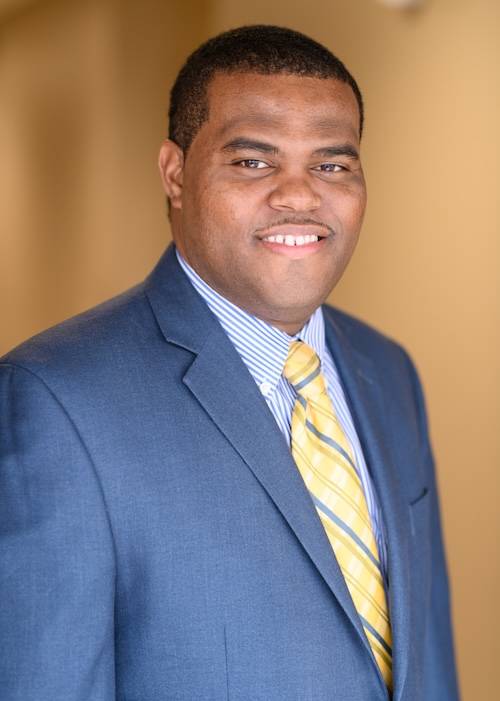
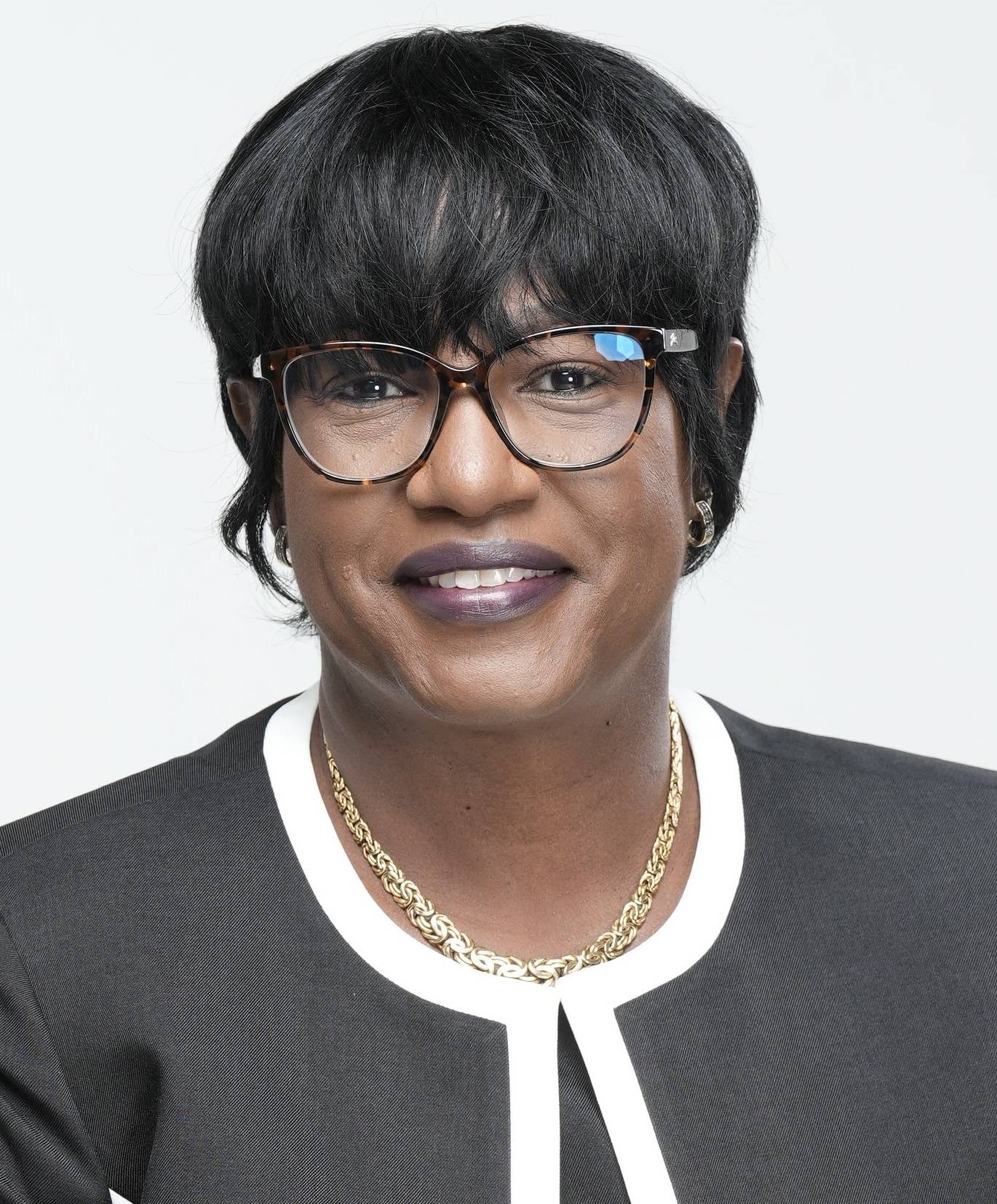

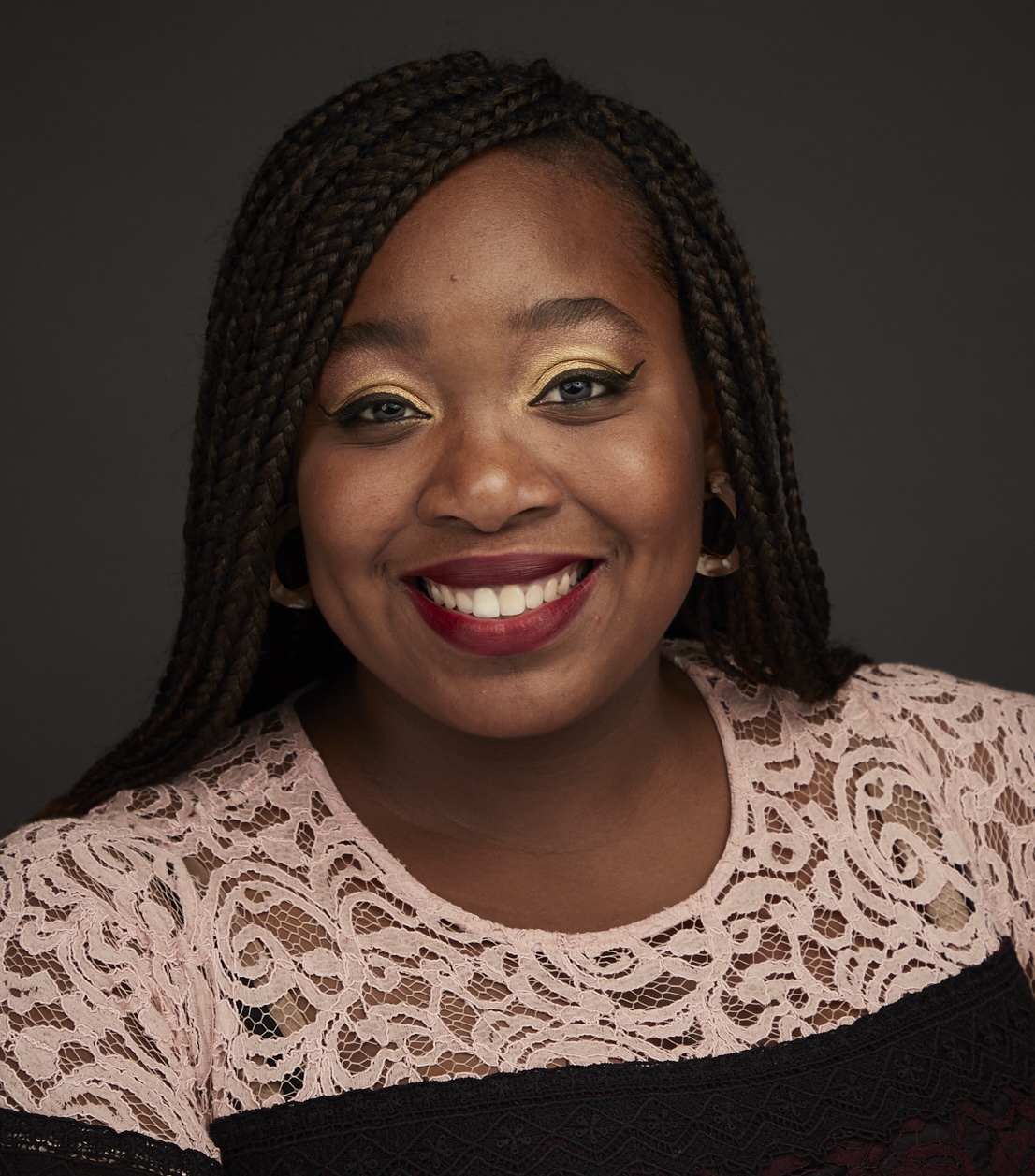

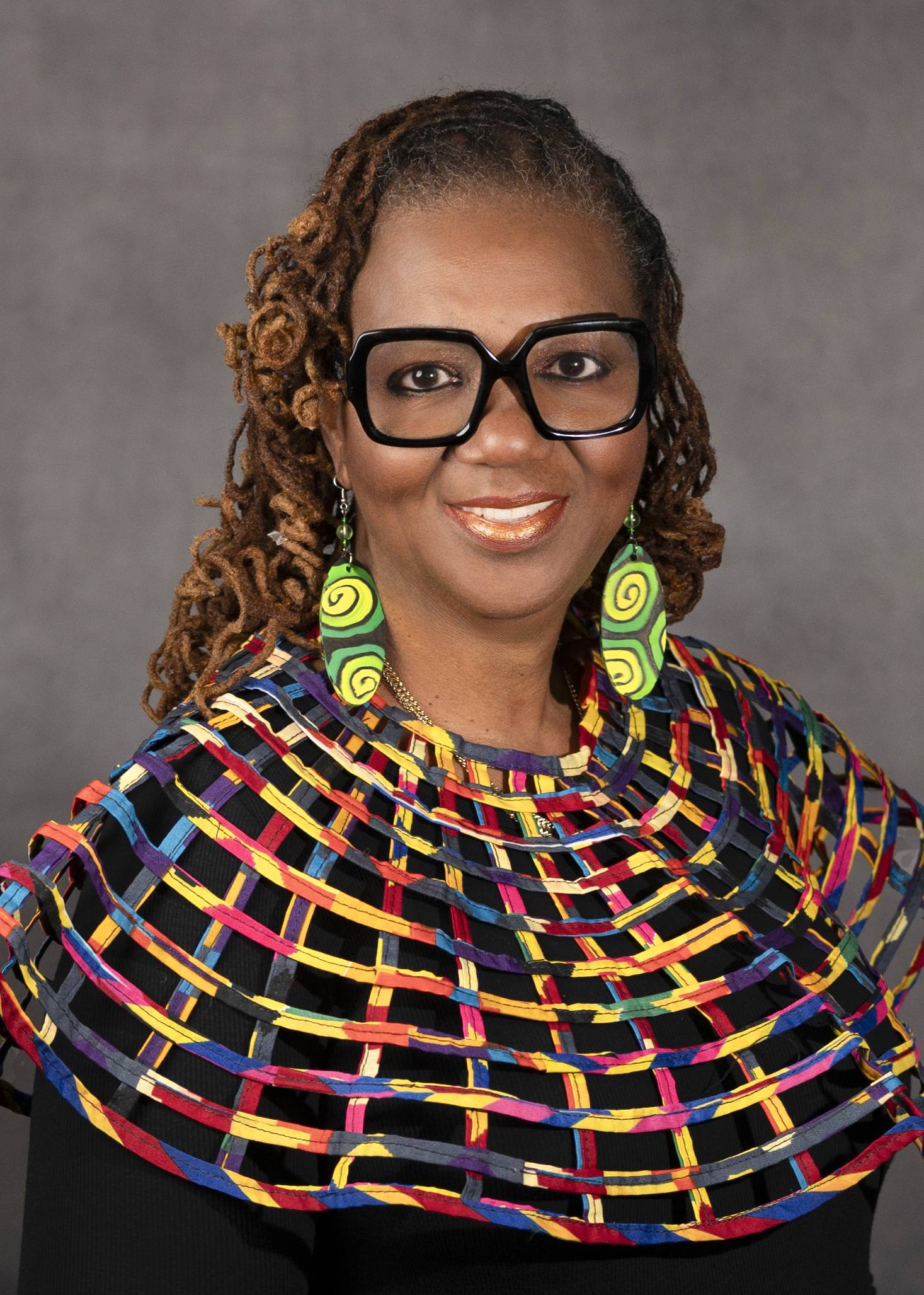
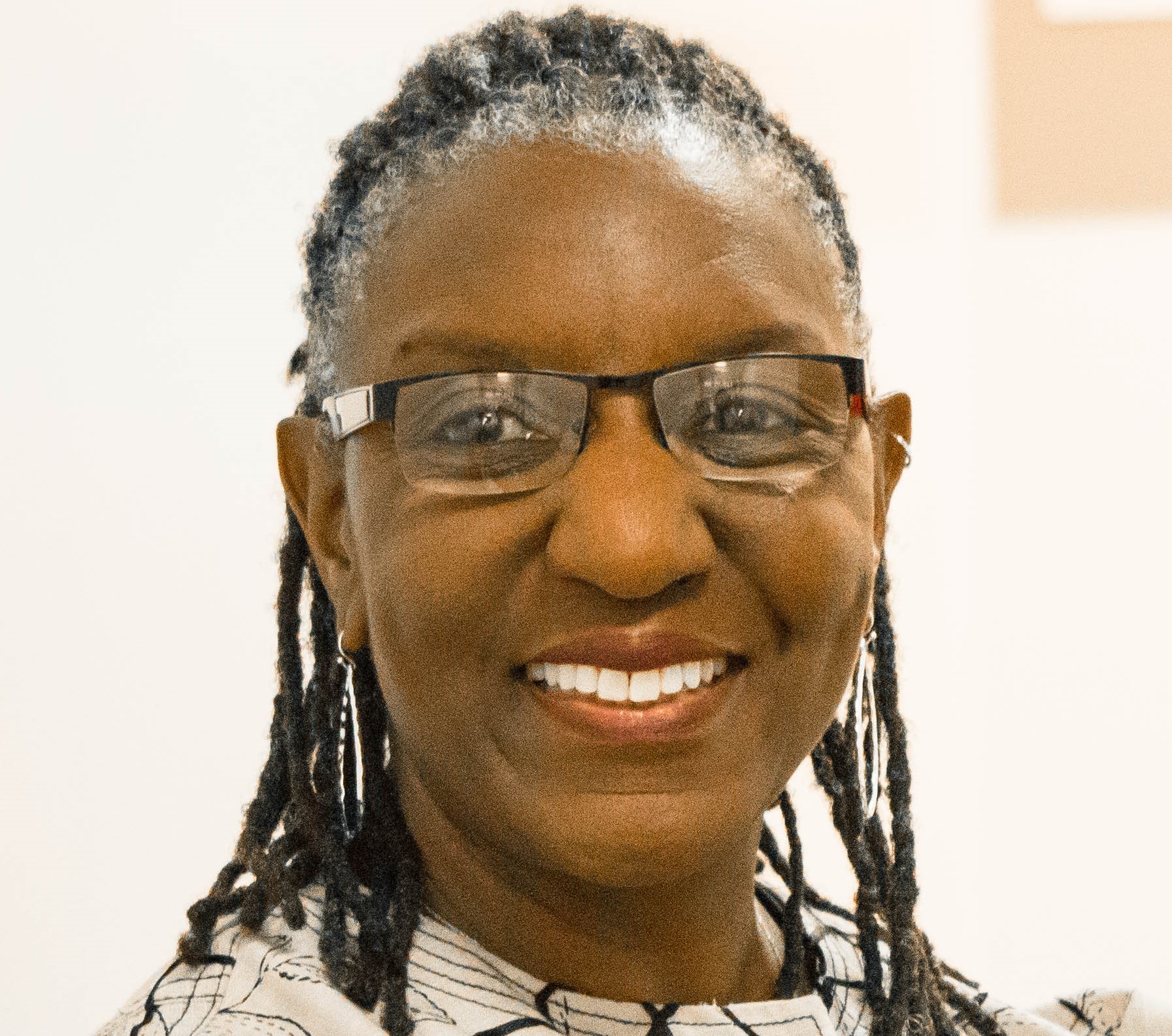
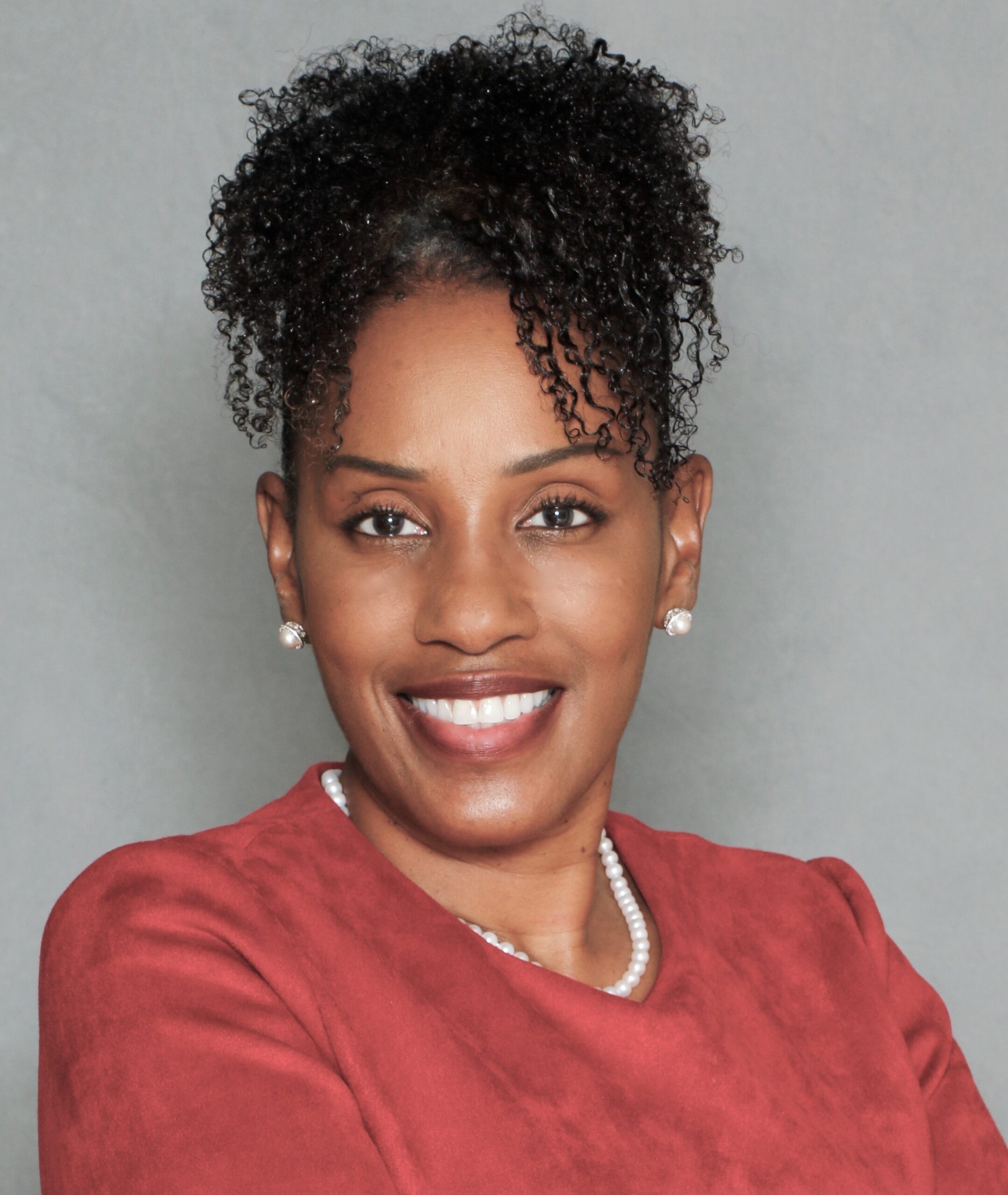
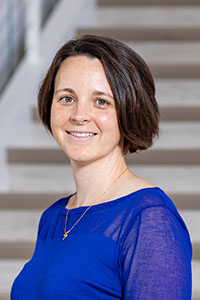
 Carrie Belin is an experienced board-certified Family Nurse Practitioner and a graduate of the Johns Hopkins DNP program, Johns Hopkins Bloomberg School of Public Health, Georgetown University School of Nursing, and Johns Hopkins School of Nursing. She has also completed fellowships at Georgetown and the University of California Irvine.
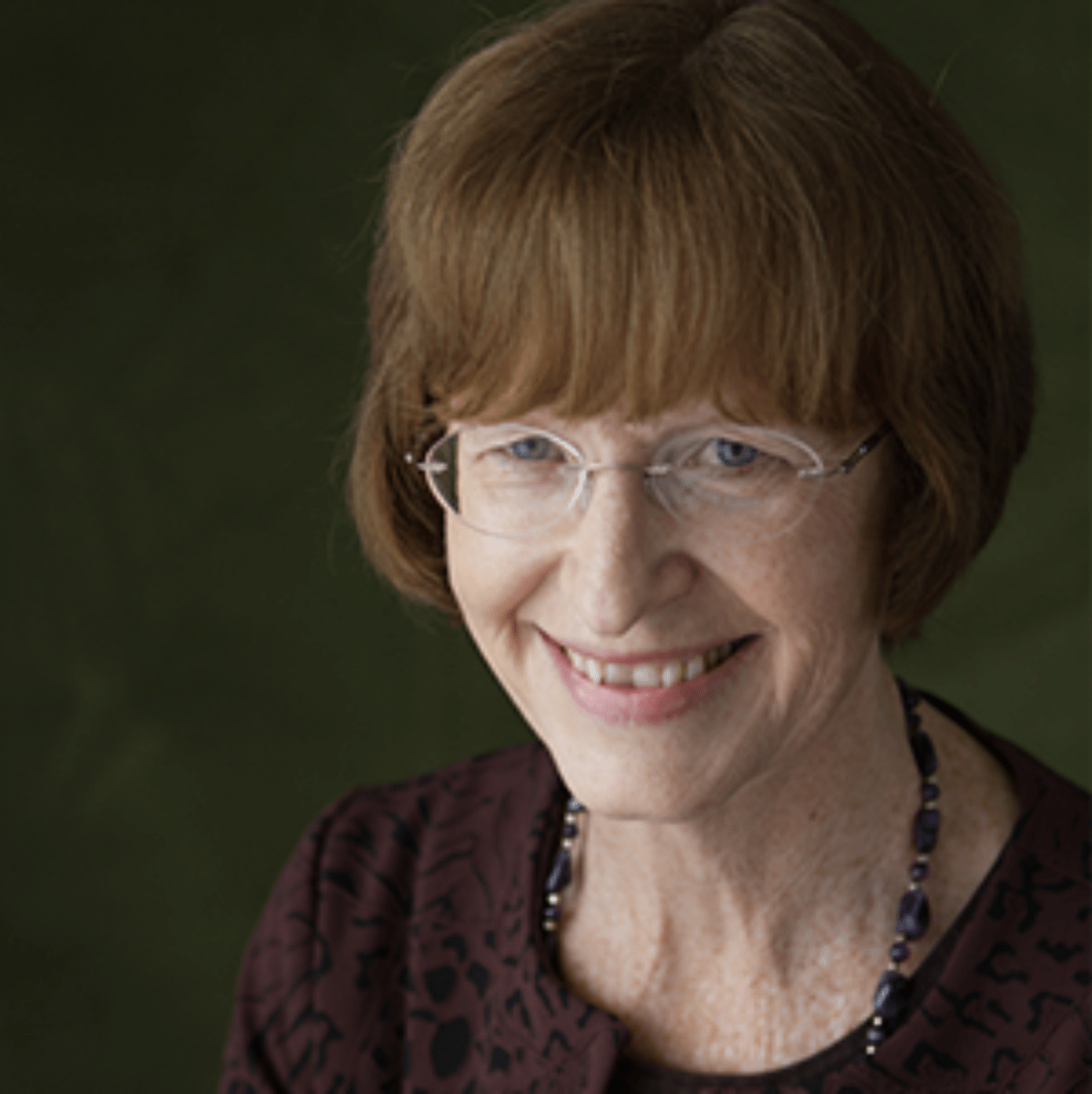
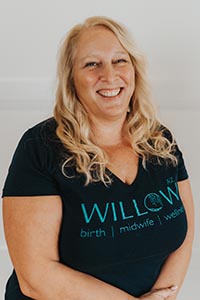
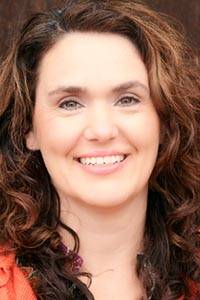 Angie has been a full-scope midwife since 2009. She has experience in various birth settings including home, hospital, and birth centers. She is committed to integrating the midwifery model of care in the US. She completed her master’s degree in nurse-midwifery at Frontier Nursing University (FNU) and her Doctorate at Johns Hopkins University. She currently serves as the midwifery clinical faculty at FNU. Angie is motivated by the desire to improve the quality of healthcare and has led quality improvement projects on skin-to-skin implementation, labor induction, and improving transfer of care practices between hospital and community midwives. In 2017, she created a short film on skin-to-skin called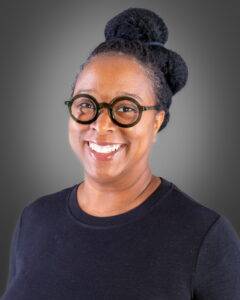
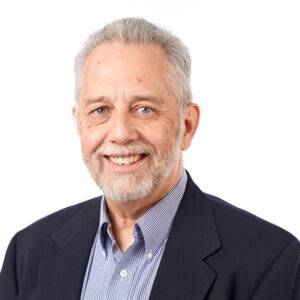
 Justin C. Daily, BSN, RN, has ten years of experience in nursing. At the start of his nursing career, Justin worked as a floor nurse on the oncology floor at St. Francis. He then spent two years as the Director of Nursing in a small rural Kansas hospital before returning to St. Francis and the oncology unit. He has been in his current position as the Chemo Nurse Educator for the past four years. He earned an Associate in Nurse from Hutchinson Community College and a Bachelor of Science in Nursing from Bethel College.
 Brandy Jackson serves as the Director of Undergraduate Nursing Programs and Assistant Educator at Wichita State University and Co-Director of Access in Nursing. Brandy is a seasoned educator with over 15 years of experience. Before entering academia, Brandy served in Hospital-based leadership and Critical Care Staff nurse roles. Brandy is passionate about equity in nursing education with a focus on individuals with disabilities. Her current research interests include accommodations of nursing students with disabilities in clinical learning environments and breaking down barriers for historically unrepresented individuals to enter the nursing profession. Brandy is also actively engaged in Interprofessional Education development, creating IPE opportunities for faculty and students at Wichita State. Brandy is an active member of Wichita Women for Good and Soroptimist, with the goal to empower women and girls. Brandy is a TeamSTEPPS master trainer. She received the DASIY Award for Extraordinary Nursing Faculty in 2019 at Wichita State University.
  Dr. Sabrina Ali Jamal-Eddine is an Arab-disabled queer woman of color with a PhD in Nursing and an interdisciplinary certificate in Disability Ethics from the University of Illinois Chicago (UIC). Dr. Jamal-Eddine’s doctoral research explored spoken word poetry as a form of critical narrative pedagogy to educate nursing students about disability, ableism, and disability justice. Dr. Jamal-Eddine now serves as a Postdoctoral Research Associate in UIC’s Department of Disability and Human Development and serves on the Board of Directors of the National Organization of Nurses with Disabilities (NOND). During her doctoral program, Sabrina served as a Summer Fellow at a residential National Endowment of the Humanities (NEH) Summer Institute at Arizona State University (2023), a summer fellow at Andrew W. Mellon’s National Humanities Without Walls program at University of Michigan (2022), a Summer Research Fellow at UC Berkeley’s Othering & Belonging Institute (2021), and an Illinois Leadership Education in Neurodevelopmental and related Disabilities (LEND) trainee (2019-2020).
 Vanessa Cameron works for Vanderbilt University Medical Center in Nursing Education & Professional Development. She is also attending George Washington University and progressing towards a PhD in Nursing with an emphasis on ableism in nursing. After becoming disabled in April 2021, Vanessa’s worldview and perspective changed, and a recognition of the ableism present within healthcare and within the culture of nursing was apparent. She has been working since that time to provide educational foundations for nurses about disability and ableism, provide support for fellow disabled nursing colleagues, and advocate for the disabled community within healthcare settings to reduce disparities.
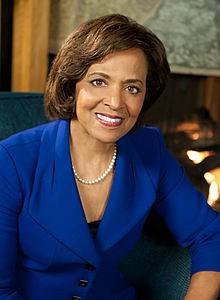
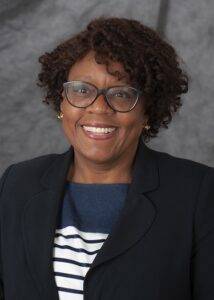
 Dr. Lucinda Canty is a certified nurse-midwife, Associate Professor of Nursing, and Director of the Seedworks Health Equity in Nursing Program at the University of Massachusetts Amherst. She earned a bachelor’s degree in nursing from Columbia University, a master’s degree from Yale University, specializing in nurse-midwifery, and a PhD from the University of Connecticut. Dr. Canty has provided reproductive health care for over 29 years. Her research interests include the prevention of maternal mortality and severe maternal morbidity, reducing racial and ethnic health disparities in reproductive health, promoting diversity in nursing, and eliminating racism in nursing and midwifery.
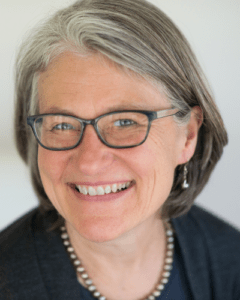
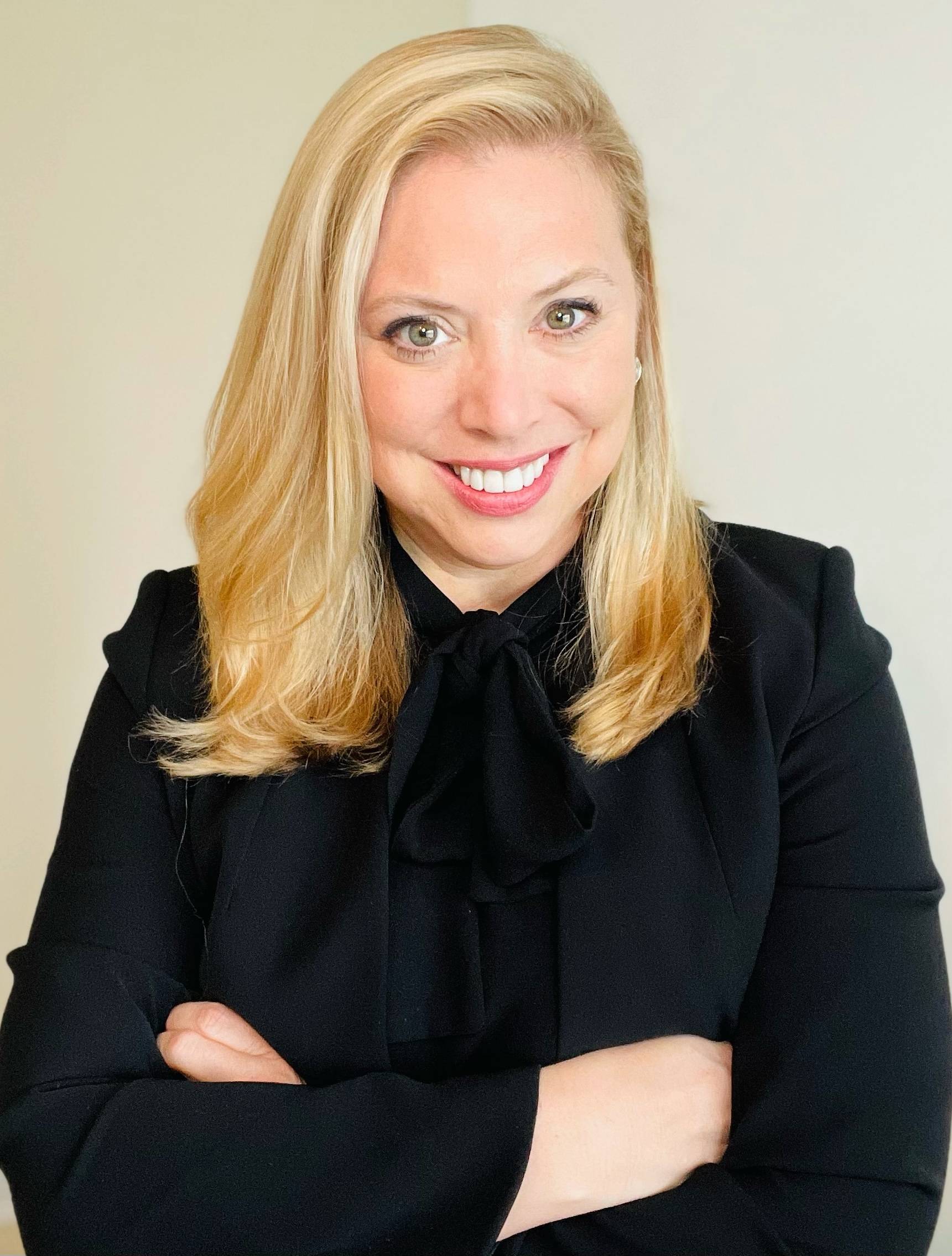 Dr. Lisa Meeks is a distinguished scholar and leader whose unwavering commitment to inclusivity and excellence has significantly influenced the landscape of health professions education and accessibility. She is the founder and executive director of the DocsWithDisabilities Initiative and holds appointments as an Associate Professor in the Departments of Learning Health Sciences and Family Medicine at the University of Michigan.
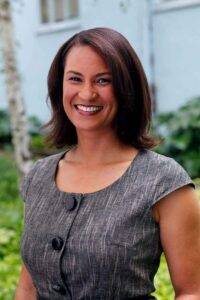
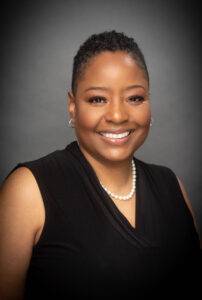 Dr. Nikia Grayson, DNP, MSN, MPH, MA, CNM, FNP-C, FACNM (she/her) is a trailblazing force in reproductive justice, blending her expertise as a public health activist, anthropologist, and family nurse-midwife to champion the rights and health of underserved communities. Graduating with distinction from Howard University, Nikia holds a bachelor’s degree in communications and a master’s degree in public health. Her academic journey also led her to the University of Memphis, where she earned a master’s in medical anthropology, and the University of Tennessee, where she achieved both a master’s in nursing and a doctorate in nursing practice. Complementing her extensive education, she completed a post-master’s certificate in midwifery at Frontier Nursing University.
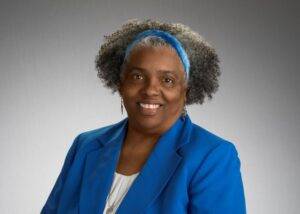

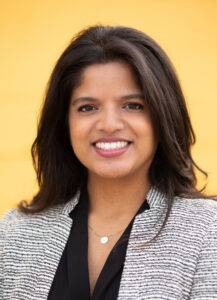

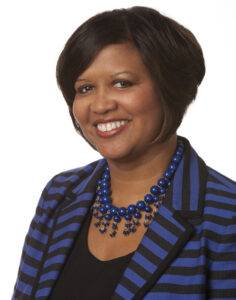 Dr. Tia Brown McNair is the Vice President in the Office of Diversity, Equity, and Student Success and Executive Director for the Truth, Racial Healing, and Transformation (TRHT) Campus Centers at the American Association of Colleges and Universities (AAC&U) in Washington, DC. She oversees both funded projects and AAC&U’s continuing programs on equity, inclusive excellence, high-impact practices, and student success. McNair directs AAC&U’s Summer Institutes on High-Impact Practices and Student Success, and TRHT Campus Centers and serves as the project director for several AAC&U initiatives, including the development of a TRHT-focused campus climate toolkit. She is the lead author of From Equity Talk to Equity Walk: Expanding Practitioner Knowledge for Racial Justice in Higher Education (January 2020) and Becoming a Student-Ready College: A New Culture of Leadership for Student Success (July 2016 and August 2022 Second edition).